
Table of Contents
Start your free trial.


Table of Contents
Executive Summary
We’re excited to kick off the new year with some important improvements to Testkube that will make debugging the tests for your Kubernetes applications a breeze for your whole team.
When working with microservices architectures and container orchestration with Kubernetes applications, it’s ideal to have access to a centralized view that allows you to debug, monitor, and analyze your tests across multiple clusters comprehensively.
Testkube’s latest enhancements mainly focus on your user experience when debugging tests, with updates to the Testkube dashboard. These updates are designed to streamline your workflow, provide clearer insights into your test executions, better access to your logs, and seamless artifact storage.
Let’s take a look at these new enhancements:
Easily Sift Through Your Tests With Our New Executions Page

Testkube’s main Executions page for your Tests and Test Suites has been updated to allow you an additional view on top of the Grid view - you can now list all your test executions in a table, which lets you further filter your tests and navigate through them more easily.
Browse Through Your Artifacts With Artifacts Browsing

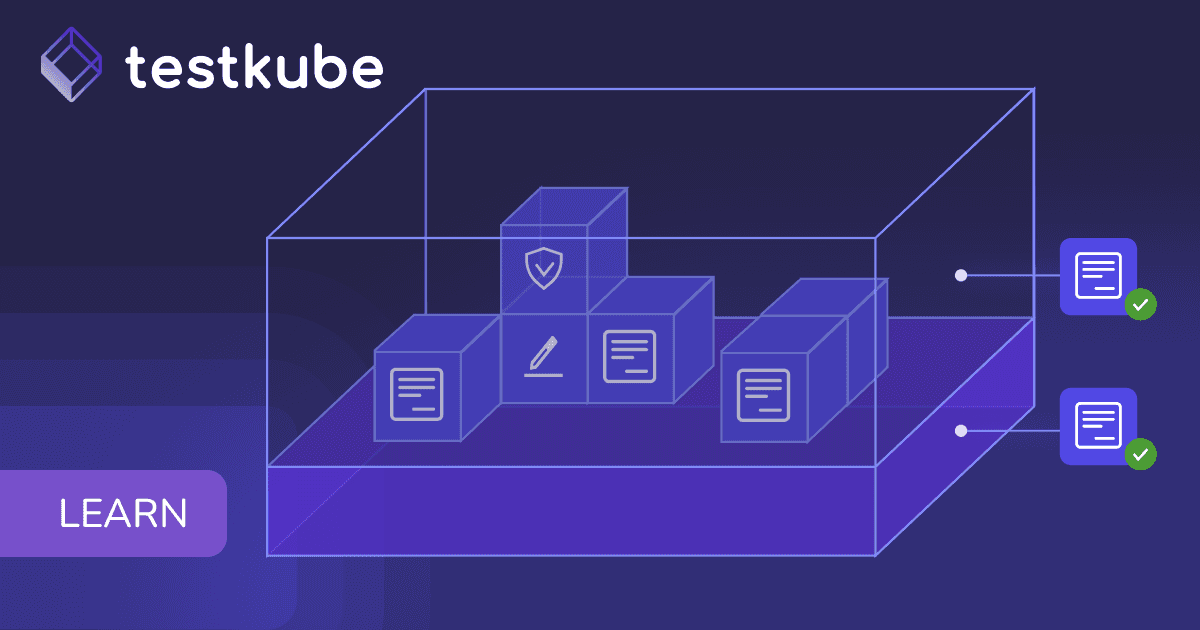
If you’re working with tools such as Cypress or Playwright, or any other testing framework that produces files and reports as output after execution - it’s important to be able to have quick access to these artifacts as part of your debugging process.
Testkube’s Artifacts section now displays all the files generated during execution and lets you browse through them to find specific items or download them as a single archive.

Debug Collaboratively With Log Line Sharing

Going through extensive logs and test outputs is one of the most time-consuming tasks for testers and developers. On top of that, when analyzing log lines, it’s common to do so collaboratively, which requires extra time from additional colleagues.
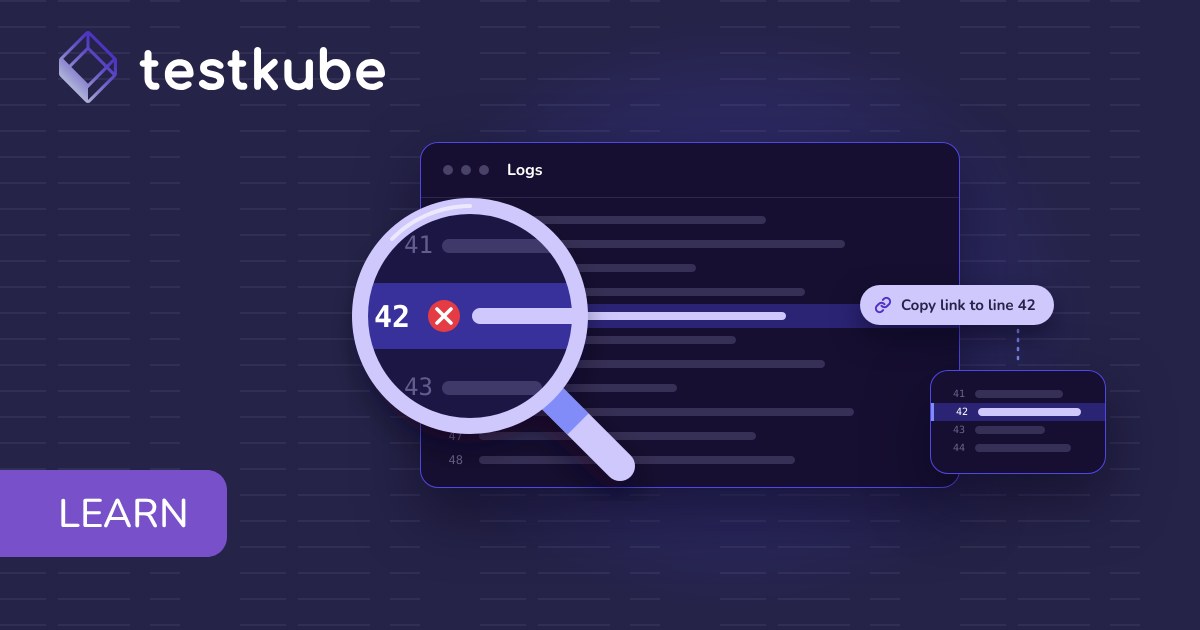
Now, we’ve added the possibility to share specific log lines with your team for quick collaboration and diagnosis. You can select a single or multiple log lines and simply copy the URL to it - this will bring your teammates directly to your selected part of the logs, saving them time.
Improve Your Debugging Workflow With Testkube Today
To try these new features, sign in to your Testkube account or create one today.
You can find the resources you need to get started in our documentation, and don’t forget to join our Slack for further support or to provide feedback. We’re looking forward to chatting with you!
Happy testing.
Frequently Asked Questions
{{banner-get-started}}
About Testkube
Testkube is the open testing platform for AI-driven engineering teams. It runs tests directly in your Kubernetes clusters, works with any CI/CD system, and supports every testing tool your team uses. By removing CI/CD bottlenecks, Testkube helps teams ship faster with confidence.
Get Started with a trial to see Testkube in action.