

Table of Contents
Table of Contents
Further Reading
No items found.
No items found.
No items found.
No items found.
No items found.
No items found.

What Does CircleCI Mean?
CircleCI is a continuous integration and continuous delivery platform. It automates building, testing, and deploying software.
Teams define pipelines in a .circleci/config.yml file. Every code change is then validated and released automatically. CircleCI runs in the cloud, with self-hosted runner and server options for private infrastructure.
How a CircleCI Pipeline Works
- Trigger: a push or pull request starts the pipeline.
- Workflows: CircleCI reads the config and organizes jobs into workflows.
- Jobs: each job runs steps such as build, test, and deploy in an executor.
- Results: status and artifacts appear on the commit or pull request.
CircleCI vs. Jenkins
Why CircleCI Matters
CI/CD tools help teams release faster with fewer errors. Automating builds and tests on every commit cuts manual work and speeds up feedback.
- Fast feedback: tests run on every change
- Consistency: the same pipeline runs every time
- Quality gates: linting, security scans, and performance checks block bad merges
- Multi-language support: Java, Python, Node.js, Go, and containers
Common Use Cases
- Build and test automation: on every code change
- Pre-deployment testing: integration and regression suites
- Deployments: to Kubernetes, cloud providers, or on-prem environments
- Quality gates: linting, security, and performance checks
- Microservices: pipelines for many services and languages
Real-World Examples
- B2B SaaS: a SaaS provider automates Kubernetes deployments with CircleCI for faster, consistent releases
- Startup: unit tests and security scans run on every pull request and block merges until they pass
- Enterprise: nightly integration pipelines validate services across environments
How CircleCI Works with Testkube
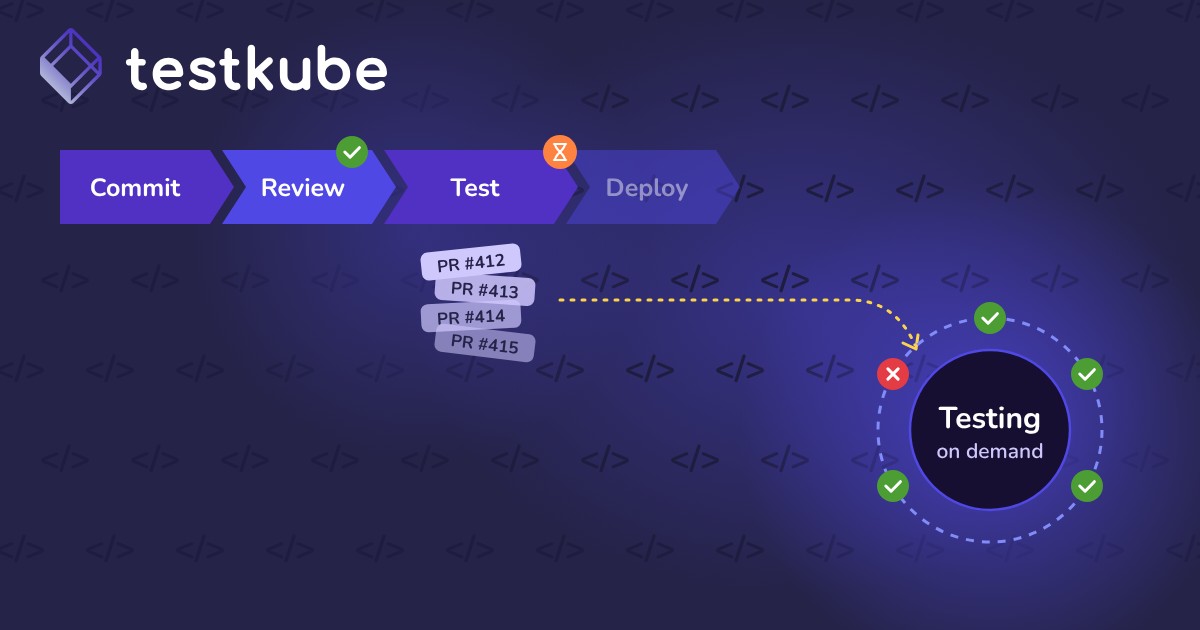
Testkube extends CircleCI by running tests inside Kubernetes clusters. CircleCI workflows trigger tests in the same environment as the application, instead of only on CircleCI executors.
- Environment parity: tests match production networking and configuration
- Scale: run large integration and load tests on cluster capacity
- Central visibility: results from every pipeline in one dashboard
- Less scripting: no custom glue for Kubernetes-based testing
Best Practices for Testing with CircleCI
- Keep fast tests in CircleCI: unit tests and linting give quick feedback
- Offload heavy suites: run load and end-to-end tests in Kubernetes
- Use contexts for secrets: store tokens securely, never in config
- Parallelize: split long test jobs across containers
- Gate merges: require passing checks on pull requests