

Table of Contents
Table of Contents
Further Reading

What Is GitLab?
GitLab is a DevOps platform that brings source control, CI/CD, planning, and code review into one application. Teams use it to manage the full software lifecycle, from first commit to production.
GitLab is built on Git. It is available as GitLab.com, a hosted SaaS offering, or as a self-managed instance on your own infrastructure.
Core Components of GitLab
- Git repositories: hosted source control with branches, tags, and merge requests
- CI/CD pipelines: jobs defined in .gitlab-ci.yml and executed by runners
- Issue tracking: boards, milestones, and epics for planning work
- Code review: merge requests with inline comments and approval rules
- Container and package registries: storage for images and build outputs next to the code
- Deployment options: GitLab.com SaaS or a self-managed instance
GitLab vs. GitHub
Both platforms host Git repositories and support CI/CD. They differ mainly in packaging and defaults.
How a GitLab Pipeline Runs Tests
- Push or open a merge request: a developer pushes code or opens a merge request.
- Create the pipeline: GitLab reads .gitlab-ci.yml and creates a pipeline with stages.
- Run jobs: runners pick up each job, such as build, test, and deploy.
- Report results: job logs and artifacts appear on the merge request.
- Gate the change: the merge request passes or fails based on the pipeline result.
Runners can be shared, group-specific, or project-specific. They run jobs on virtual machines, containers, or Kubernetes pods.
GitLab Runners vs. Testkube In-Cluster Execution
Both approaches start from the same GitLab pipeline. The difference is where the tests run.
Why GitLab Matters for Engineering Teams
GitLab gives teams one place to plan, build, test, and ship code. Fewer tools mean fewer handoffs and less integration work.
- Single source of truth: code, pipelines, and issues live together.
- Built-in automation: CI/CD is part of the platform, not an add-on.
- Traceability: every merge request links code, reviews, and pipeline results.
- Flexible hosting: self-managed instances suit teams with strict data rules.
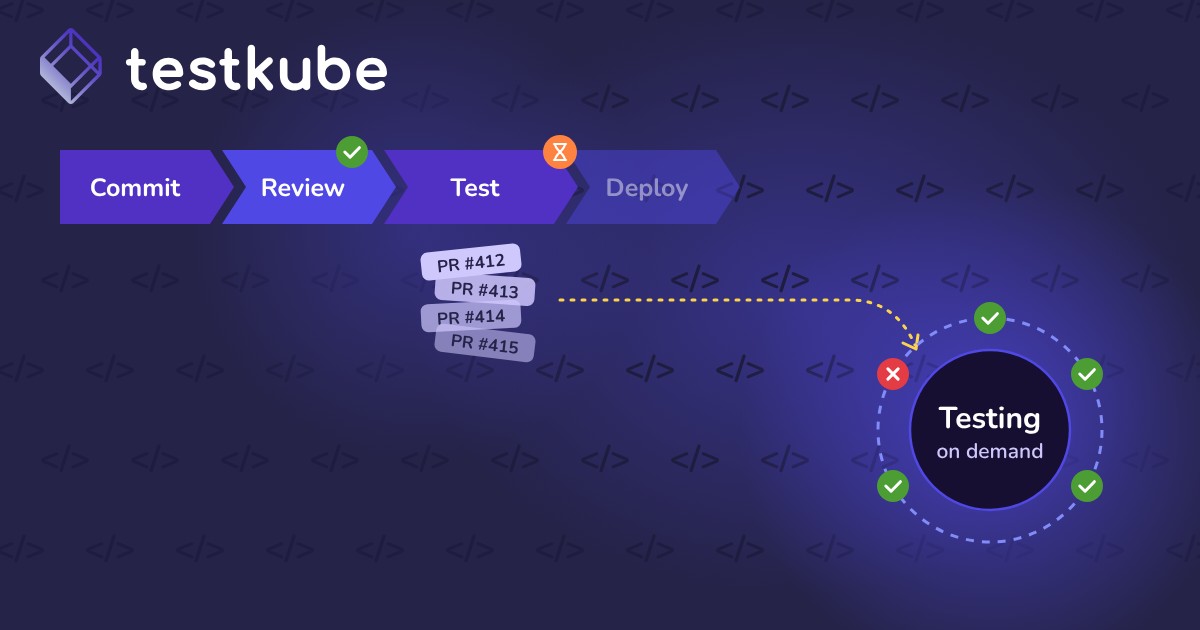
Testing is often where pipelines slow down. Large end-to-end or load suites compete for shared runners, so every merge request waits in the same queue.
Real-World Example
A B2B SaaS team runs a large Playwright suite on shared GitLab runners. As the team grows, merge requests wait longer for feedback, and runner costs rise.
- Keep GitLab in charge: the .gitlab-ci.yml test stage now calls the Testkube CLI.
- Run in the cluster: Testkube executes the suite in the staging Kubernetes cluster, sharded across pods.
- Report back: the pipeline job passes or fails based on the Testkube result.
- See everything: results from every pipeline land in one Testkube dashboard.
Runners stay free for builds, and test capacity grows with the cluster.
How GitLab Relates to Testkube
Testkube integrates with GitLab CI/CD. A pipeline triggers Testkube, and the tests run inside your Kubernetes clusters instead of on GitLab runners.
GitLab stays the CI/CD orchestrator. Testkube adds scalable test execution and one view of results across pipelines and teams. For a worked example, see implementing TestOps with GitLab and Testkube.
Best Practices for Testing in GitLab
- Keep fast tests in the pipeline: run unit tests and linting on runners for quick feedback.
- Offload heavy suites: move end-to-end, load, and integration tests to in-cluster execution.
- Use merge request pipelines: validate every change before it reaches the main branch.
- Store tokens as CI/CD variables: mask and protect credentials used to call other tools.
- Publish results to merge requests: keep feedback where reviewers already look.