

Table of Contents
Table of Contents
Further Reading
No items found.
No items found.
No items found.
No items found.
No items found.
No items found.
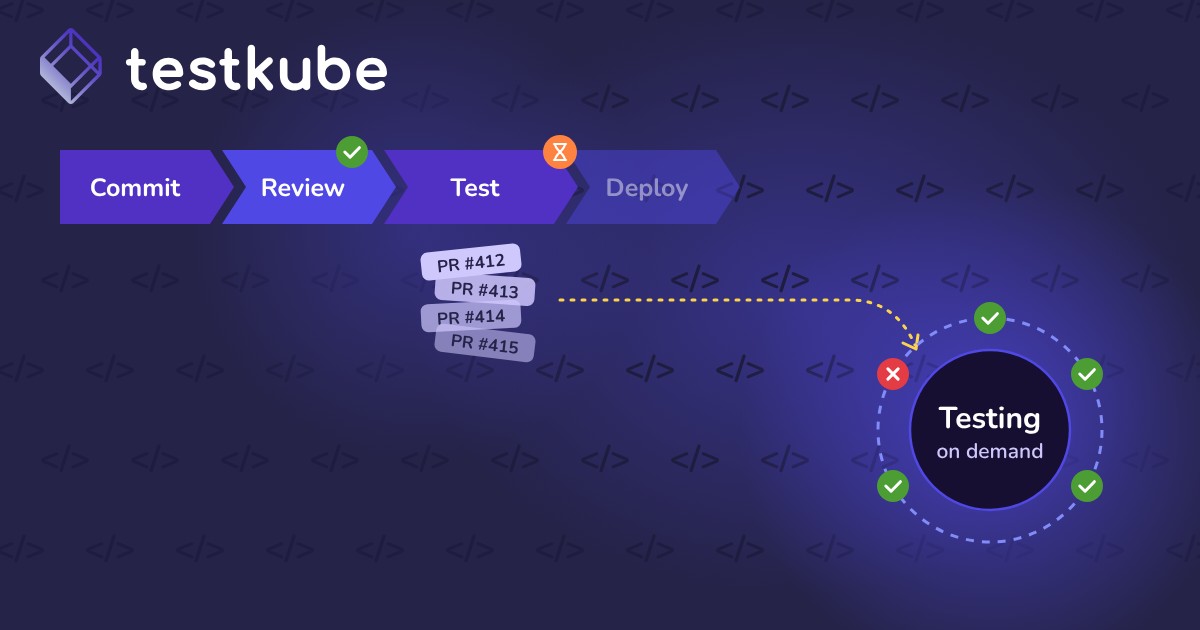

What shift-right testing means
Shift-left testing finds defects early in development. Shift-right testing checks how software behaves once it is live, with real infrastructure and traffic.
Common shift-right methods
- Canary releases: send a small share of traffic to the new version first
- Feature flags: turn features on for limited users and roll back instantly
- Synthetic monitoring: scripted checks run against production on a schedule
- Chaos engineering: inject failures to confirm the system recovers
- A/B testing: compare versions with real users
- Post-deployment tests: smoke and regression checks right after release
How a shift-right rollout works
- Deploy the new version behind a feature flag or canary.
- Run post-deployment smoke tests against it.
- Watch latency, error rates, and business metrics.
- Expand traffic gradually if signals stay healthy.
- Roll back automatically if thresholds are crossed.
Shift-right vs. shift-left testing
Mature teams use both approaches together.
Why shift-right testing matters
Shift-right testing bridges the gap between pre-release confidence and real-world reliability.
- Real-world reliability: tests under live traffic conditions
- Production regressions: issues that only appear when deployed
- Resilience: systems recover gracefully from failures
- User experience: latency, throughput, and errors measured in real use
- Continuous validation: monitoring and testing work together
- Less downtime: weaknesses found before users feel them
Consider a SaaS team that ships a new search service. A canary to 5% of users shows higher latency in one region. They roll back before most customers notice.
Common challenges with shift-right testing
- Data sensitivity: risk of exposing real user data
- Service disruption: poorly isolated tests can affect live systems
- Monitoring needs: strong observability is required to judge results safely
- Environment coordination: tests span many clusters and deployments
- Tooling: testing must connect to monitoring and alerting
- Cultural resistance: teams may fear testing in production
Strong observability, feature flags, and safety controls make shift-right testing safe.
How shift-right testing relates to Testkube
Testkube helps teams validate software after deployment, inside the same clusters where it runs.
- Post-deployment triggers: tests run automatically after a rollout
- Scheduled checks: recurring smoke and synthetic tests against live services
- In-cluster execution: tests reach services the way real traffic does
- Observability: results flow to Prometheus and Grafana next to production metrics
- Central history: trends across releases and environments in one place