

Table of Contents
Table of Contents
Further Reading
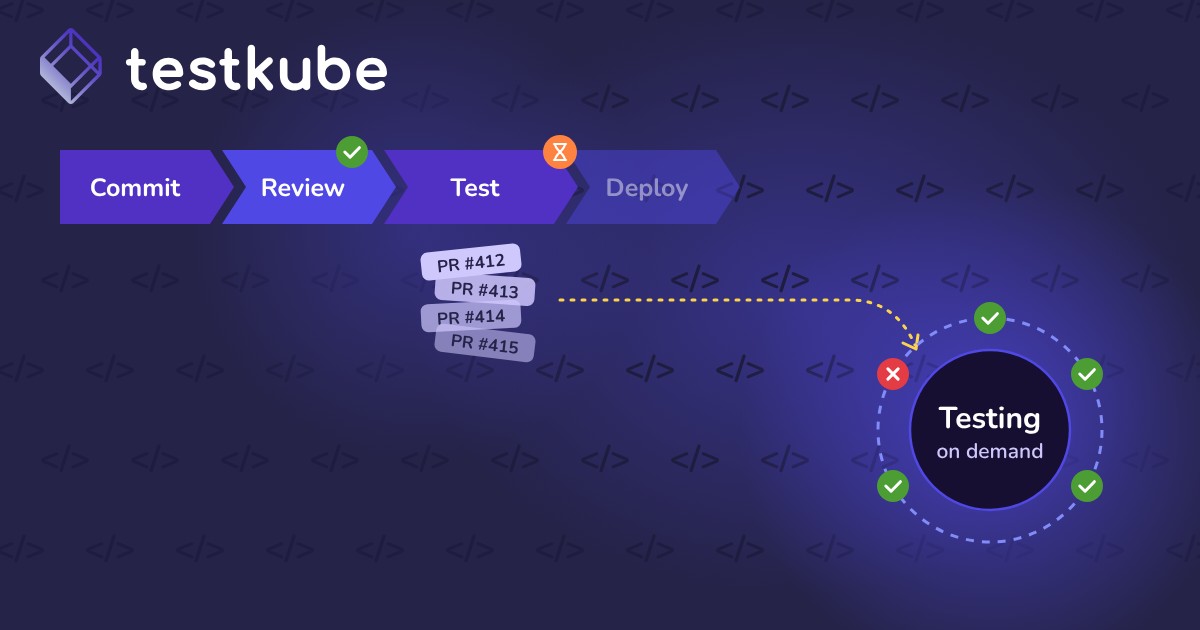


What Does Test Scheduling Mean?
Test scheduling automates when and how often tests run. Tests execute at set intervals instead of only on manual or CI/CD triggers. Common schedules include daily, weekly, or hourly runs.
The goal is continuous validation of system health and performance, even between deployments.
Scheduled vs. Event-Driven Testing
Why Test Scheduling Matters
Automated schedules ensure quality checks happen even when no code changes. Dependencies, data, certificates, and infrastructure still change on their own.
Scheduled tests help teams:
- Detect regressions early, including gradual performance degradation
- Continuously validate critical workflows and integrations
- Maintain baseline coverage across environments
- Reduce manual effort by removing the need for developer triggers
- Improve release confidence by catching intermittent or time-based issues
For DevOps and platform teams, scheduling supports proactive reliability monitoring instead of reactive debugging.
Common Test Scheduling Use Cases
- Nightly regression suites: run long end-to-end tests when clusters are less busy
- Hourly smoke tests: confirm critical paths still work in staging or production mirrors
- Weekly load tests: track performance trends against a stable baseline
- Dependency checks: validate third-party APIs and integrations on a regular cadence
- Compliance checks: produce recurring evidence that controls still pass
How Test Scheduling Works with Testkube
- Cron-based schedules: Testkube workflows accept cron expressions that trigger recurring runs automatically.
- Flexible intervals: Schedule tests for specific times, dates, or frequencies, such as nightly runs or hourly checks.
- Cluster-level automation: Apply schedules across multiple environments or namespaces for broad coverage.
- Dashboards and logs: Results, logs, and artifacts from scheduled runs appear in the Testkube dashboard.
- Combined with CI/CD: Scheduled tests complement event-driven tests to keep validation running between deployments.
Real-World Example
A B2B SaaS company ships several times per day, with fast API tests on every pull request. Their full browser suite takes too long for each change. Problems with third-party integrations also slipped through between releases.
The team added two schedules in Testkube:
- Hourly: a short smoke test against staging covering login, billing, and core integrations.
- Nightly: the complete end-to-end suite across every environment.
Expired integration tokens and slow degradations now surface within an hour. Pull request feedback stays fast.
Best Practices for Test Scheduling
- Match frequency to risk: Run critical paths often and broad suites less often.
- Avoid peak hours: Schedule heavy suites when they will not compete with production workloads.
- Alert on failures: Route scheduled failures to the owning team so they are not ignored.
- Watch trends: Compare durations and pass rates across runs to spot slow drift.
- Document time zones: Cron schedules usually run in UTC, so record the intent clearly.