
Table of Contents
Start your free trial.
Start your free trial.

Start your free trial.


Table of Contents
Executive Summary
As Gradle remains a popular build tool for Java applications, and with Kubernetes establishing itself as the go-to orchestration platform, it’s important that we don’t overlook our testing efforts.
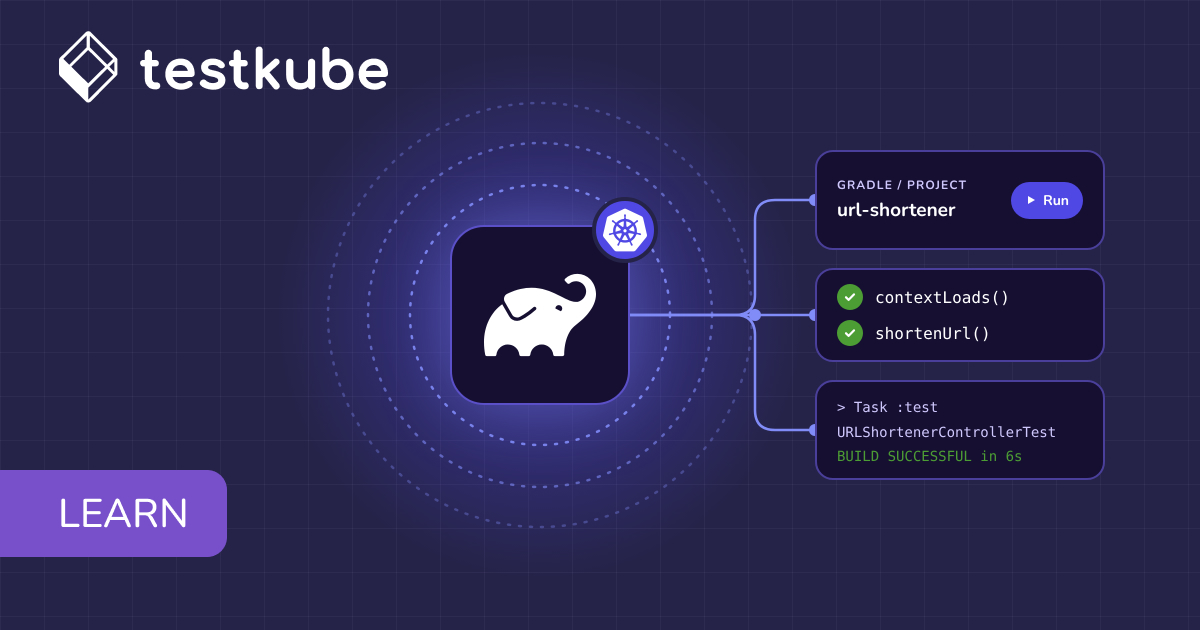
In this tutorial, we'll explore how to use Testkube to bring our Gradle-based tests into our Kubernetes infrastructure without modifying the structure of our application.
What is Testkube?
Testkube is a Kubernetes-native testing framework designed to execute and orchestrate your testing workflows inside your Kubernetes clusters. It allows you to bring your chosen testing tool, integrate it out of the box with Testkube, and schedule all of the tests from within your cluster, while providing all the visibility into your tests and flexibility when building and executing these tests from your CI/CD pipeline.
Testkube not only simplifies the process of executing tests for your Gradle-built applications in Kubernetes but also brings a host of advantages to the table. By harnessing the capabilities of Testkube, you can achieve:
- Scalability: Run tests at scale in a Kubernetes cluster, ensuring your application behaves predictably under various conditions.
- Isolation: Leverage Kubernetes namespaces and containers to isolate test environments, minimizing interference between test runs.
- Continuous Integration/Continuous Deployment (CI/CD) Integration: Seamlessly integrate Testkube into your CI/CD pipeline, automating the testing process and ensuring the reliability of your releases.
Are you ready to elevate your testing game and embrace a robust solution for testing Gradle-built applications in Kubernetes? Let's get started!
Prerequisites
To get started, we need the following:
- Kubernetes cluster up and running
- Testkube Agent configured on the cluster. You can do this by signing up here.
- Gradle installation
Once you’re all set with your Testkube environment, we’ll create a sample Gradle app. If you already have your own, feel free to use it instead and watch the magic happen!
Running Gradle Tests in Kubernetes with Testkube
Let’s start by creating a simple Gradle app. We’ll create a URL shortener and a test suite to go with it.
Head over to your terminal and start a new Gradle project:
This will create our basic Java app. Let’s configure our build.gradle file to include the necessary dependencies:
Now, let’s create our URLShortenerController so we can add the logic to what’s going on:
From what we can tell, the URL shortener should work just fine. But that’s not enough; we need to test it!
Let’s write a test for our controller where we check that both the context loads and the response we get is as it should be:
If we run our test suite locally, we can see that it’s working correctly:
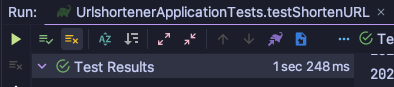
Now, what happens if your application is hosted in a Kubernetes environment? Accessing it or the tests in particular can become a bit complicated. To solve this, let’s bring the tests over to Testkube.
Head over to app.testkube.io and select Add a New Test.
Here, add the details for your test such as Name and Type (gradle/project), as well as the source. Note that since Gradle projects are robust and include various dependencies, you have to source them through a repository.
In this case, I’ve created a public repo with the example application, which you can find here: https://github.com/alelthomas/gradle-urlshortener.git
If you’re working with private repositories, this is where you’ll grant access to the repository itself as well.
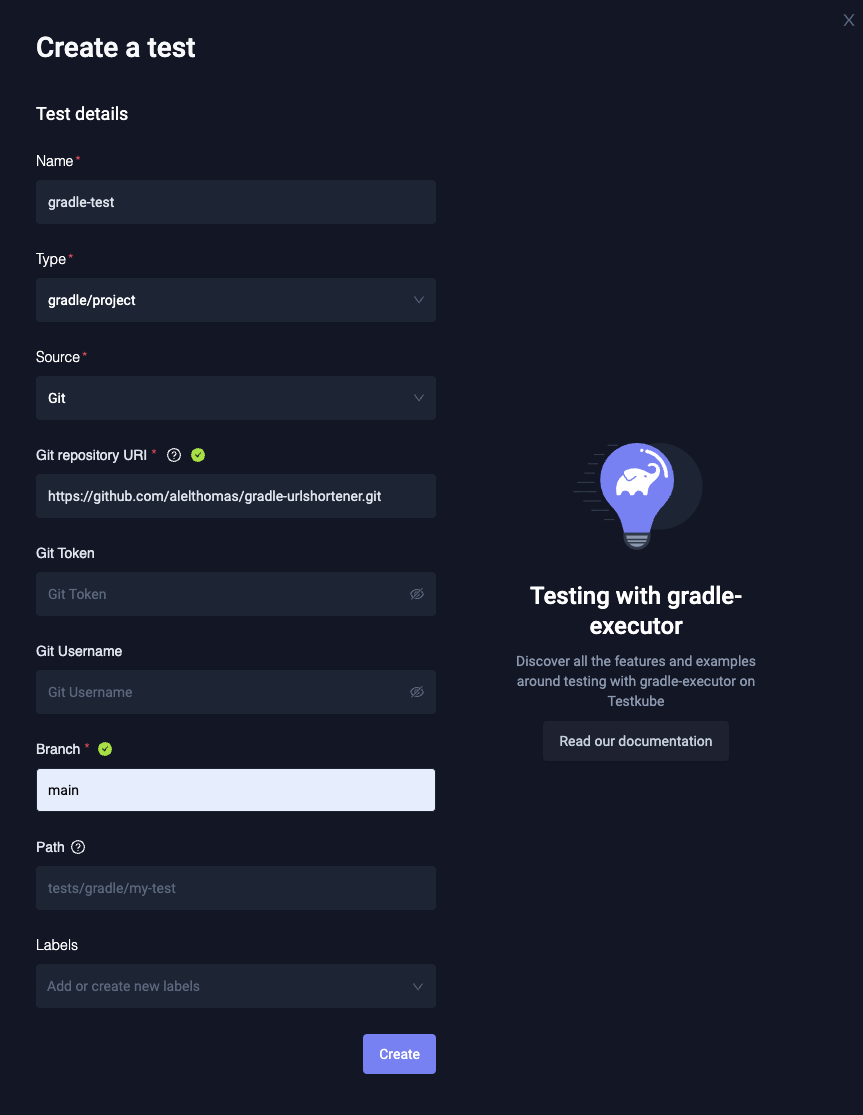
After you fill in the information, click Create, and your test is ready!
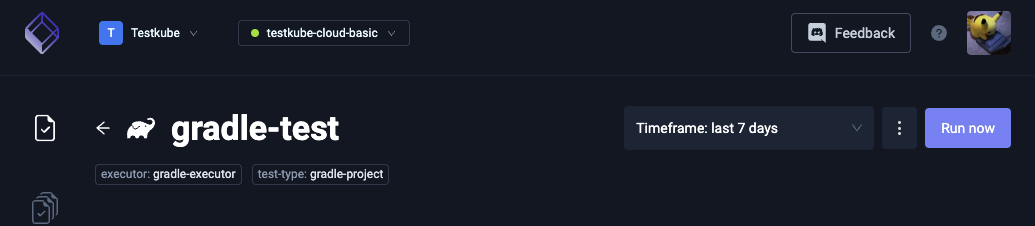
Click on the test to go to its execution view. Here, you can simply trigger the test to run by clicking on the Run Now button:
By clicking on the specific execution, you can see logs in real time:

And as we can see, our test is running too!

With this example, we have seen how easy it is to configure Testkube with Gradle projects. Without having to alter the structure of our application, we can simply let Testkube do the heavy lifting while still getting a bird’s-eye view of your test results, logs, and reports.
Summary
And there you have it! In this blog post, we've unraveled the perks of using Gradle with Testkube: from turbocharging your efficiency to seamlessly fitting into your CI/CD pipeline.
Now, it's your turn! Don't let your apps play hide-and-seek with bugs; instead, embrace the power of Testkube to make them foolproof.
Try out the various test types today by getting started with Testkube. Also join our Slack community for guidance and support.
Frequently Asked Questions
{{banner-get-started}}
About Testkube
Testkube is the open testing platform for AI-driven engineering teams. It runs tests directly in your Kubernetes clusters, works with any CI/CD system, and supports every testing tool your team uses. By removing CI/CD bottlenecks, Testkube helps teams ship faster with confidence.
Get Started with a trial to see Testkube in action.