Table of Contents
Further Reading

No items found.
📊 The Testing Maturity Gap: a 5-level model for Kubernetes testing. Find your level →


The "run everything on every commit" default was fine when suites were small. At AI velocity it becomes a thirty-minute tax on every pull request, and faster execution alone will not fix it. What helps is running only the tests that matter for a given change.
Test suites grow with the system. New features add new tests, microservices multiply integration paths, and overlapping coverage builds up across teams. A fast feedback loop turns into a drag on every pull request. The "run everything" default breaks down for four reasons:
The real problem sits earlier than execution. Pipelines have no way to judge which tests matter for a given change, so they run all of them.
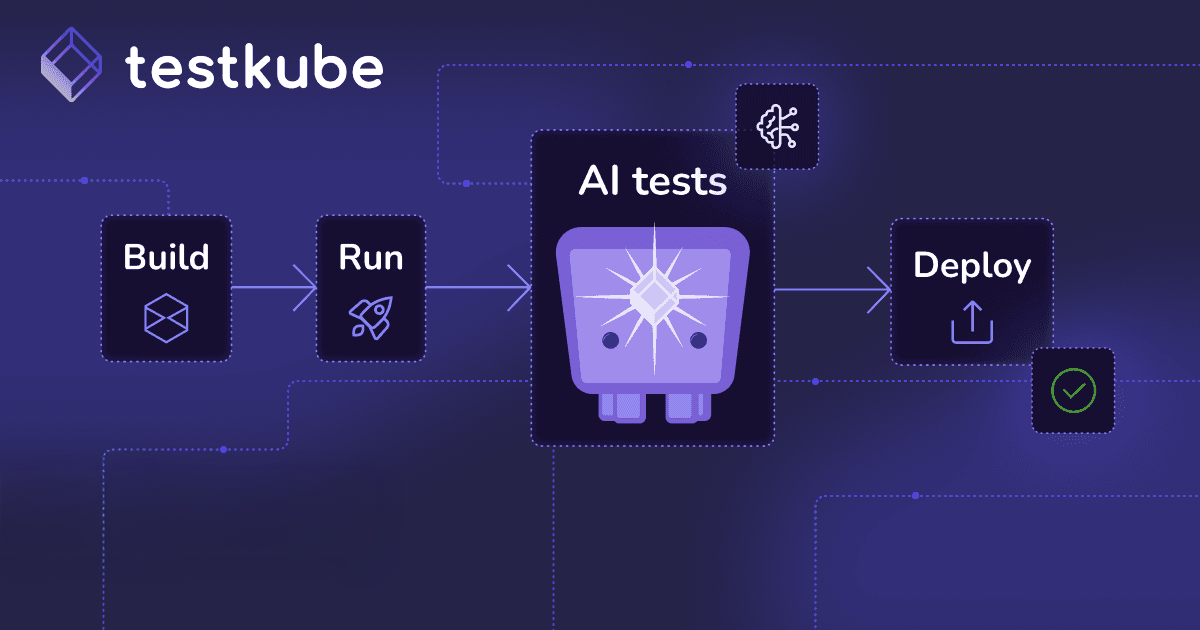
Testkube puts an AI agent between the code change and test execution. The agent reads the diff, classifies the change, queries historical execution data, and decides which workflows to run. It bases that decision on signals it can actually evaluate: which files, modules, or services changed; how tests have failed before for changes in similar paths; pass rates, flakiness, and duration over time; and which downstream tests depend on the change through the service graph.
A documentation change runs nothing. An API change runs the contract validator and the integration test. The full suite still runs on a schedule, just not on every commit. CI gets faster and coverage holds.
Four layers make smart selection possible inside your own containerized environments. TestWorkflows run in your cluster as independent, labeled units, each scoped to a specific area, so the agent can map a change to the workflows that cover it. Every run captures metadata, logs, results, and duration, which becomes the historical signal the agent reasons over. AI Triggers watch for workflows carrying a specific label and status, and when one matches, control passes to the configured AI Agent instead of executing tests directly. The agent then pulls external context through MCP servers (GitHub, observability tools, repo metadata), classifies the change, and triggers the selected tests through the Testkube MCP server.
All four layers run as native jobs on infrastructure you already own, so your code, execution data, and artifacts never leave your environment.
Smart selection only helps if it plugs into the tools you already have. Testkube's selection agent reaches external context through standard MCP servers (your GitHub, your observability data, your repo metadata) and triggers tests through the Testkube MCP server, in the frameworks your team already uses. There is no proprietary agent runtime and no required AI vendor. The reasoning layer stays open at the data, tool, and AI-ecosystem level, so you can change models or context sources without re-platforming, and your selection logic stays in your environment, the same as your test execution.
When AI-generated code increases the volume of changes, the volume of tests grows with it. Smart selection keeps that growth from breaking the pipeline:
Test faster, ship with confidence, and stay in control.




.jpg)